


More news on this day
With U.S. airports preparing for one of the busiest Labor Day weekends in years, a lesser-known iPhone flight tracker built into Messages, Spotlight, and Wallet is emerging as a quiet hack for travelers trying to stay ahead of delays and last-minute gate changes.
Get the latest news straight to your inbox!
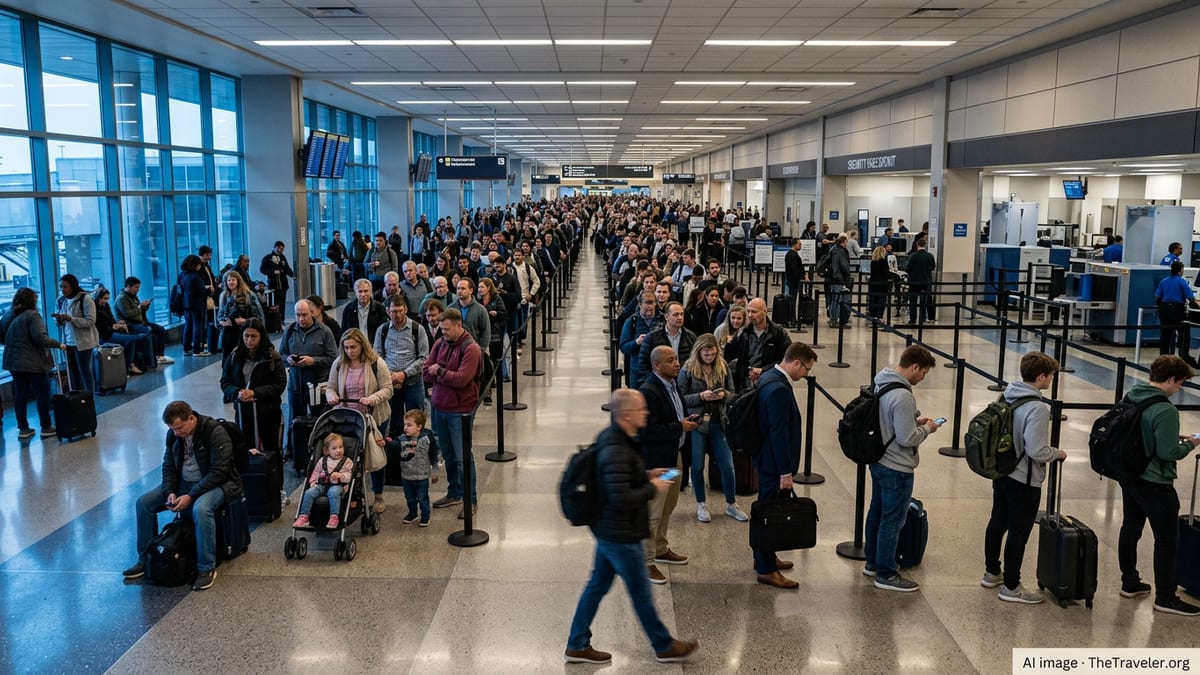
Labor Day Crowds Set the Stage for High-Stress Flying
Airports across the United States are bracing for another packed Labor Day travel period in 2026, capping off a summer of record passenger volumes. Dallas Fort Worth International Airport projects about 1.4 million travelers between September 3 and 8, a year-over-year increase of more than 7 percent, while Charlotte Douglas International Airport is also preparing for elevated local traffic leading into the holiday weekend.
Nationally, recent analyses of TSA checkpoint data and industry reports indicate that U.S. airports are still seeing sustained demand following a record-setting 2024 summer, when nearly 279 million passengers were screened between Memorial Day and Labor Day. Forecasts for this year’s Labor Day period suggest similar pressure on security lines, boarding gates, and baggage claims as travelers squeeze in one final summer trip.
AAA and regional travel organizations continue to warn that peak holiday periods like Labor Day often compress large amounts of demand into just a few days, increasing the risk of congestion and longer waits. The combination of full flights, tight turnarounds, and ongoing staffing constraints across parts of the aviation system means minor disruptions can quickly ripple into widespread delays.
Against this backdrop, having real-time visibility into an individual flight’s status, gate, and timing can make a significant difference. That is where an underused iPhone feature becomes surprisingly powerful.
The Hidden Flight Tracker Built Into iPhone
For years, iPhone users have been able to track commercial flights without downloading a dedicated app, thanks to an integrated tool that recognizes flight numbers in Messages and system search. Technology guides and user reports explain that when a valid flight number is sent in a text, the iPhone can underline it and offer a "Preview Flight" option, opening a live status card with departure and arrival times, on-time information, and an overhead route map.
The same underlying system can also work through Spotlight search. Travelers can swipe down on the Home screen, type an airline and flight number, and, when available, see a flight information card appear at the top of results. Coverage from Apple-focused publications notes that this built-in tracker relies on Apple’s data detection technology, which scans for patterns like dates, addresses, and flight codes to surface relevant actions.
In Messages, tapping the underlined flight number typically brings up two options: copying the code or previewing the flight. Choosing the preview loads a panel that resembles a simplified flight-tracking app, including scheduled and actual departure times, estimated arrival, status indicators for delays, and sometimes gate and baggage claim details. Importantly, no additional setup is required beyond entering the flight correctly.
Because the feature is native to iOS, it can be particularly useful for people meeting arriving passengers. A simple text with the flight number lets family, rideshare drivers, or friends pull up the same live information from their iPhones without hunting through airline websites or installing third-party tools.
How to Use It on Messages, Search, and Notes
Using the hidden tracker is straightforward once travelers know the exact format. Guides and community tutorials recommend entering the airline name or two-letter airline code followed by the flight number, such as “Delta 405” or “DL405,” and sending that as a standard text message in the Messages app. If the flight is recognized, the text becomes tappable.
After sending or receiving the flight number, tapping it should show a small menu. Choosing "Preview Flight" then opens the real-time information panel. That panel can be refreshed as departure time approaches, providing updates on delays, gate changes, and en route progress. The feature also works when the code is typed into a Note in the Notes app or into Spotlight search, offering flexibility for travelers who store itineraries outside of text threads.
Because recognition depends on formatting and backend data, not every flight will appear. Some travelers have reported inconsistent results depending on the airline, routing, or timing, and Apple’s own support forums advise ensuring that devices run a recent version of iOS and that the flight code is complete and current.
Even with occasional gaps, the ability to preview a flight from a single tap or search can sharply reduce the time spent toggling between multiple airline apps or browser tabs, particularly during a crowded holiday rush.
Enhanced Wallet Boarding Passes Add Live Activity Tracking
More recently, Apple has expanded flight tracking capabilities through enhanced boarding passes in the Wallet app. Documentation and developer sessions describe how participating airlines can now surface richer, real-time information directly on digital boarding passes, including departure updates, boarding times, and gate changes.
Tech coverage of the rollout notes that when travelers add an eligible boarding pass to Wallet on iOS 26, they may see an option to start a Live Activity for their flight. Once activated, that Live Activity can appear on the Lock Screen and Dynamic Island, showing countdowns to departure, updated status, and in some cases gate details without requiring the traveler to unlock their phone.
Apple has identified a roster of partner airlines adopting the enhanced passes, including major North American and international carriers. Early implementations highlight how the combination of Wallet and Live Activities can keep key flight information visible from curb to gate, reducing the need to reopen airline apps repeatedly.
For Labor Day travelers navigating crowded terminals, this deeper integration means a boarding pass in Wallet can effectively double as a compact flight dashboard. If a gate moves to a different concourse or a departure time slips by 20 minutes, that adjustment can appear almost immediately in the Live Activity, giving passengers more time to reroute or adjust their airport routine.
Turning a Hidden Feature Into a Labor Day Travel Strategy
While the iPhone’s flight tracker and enhanced Wallet passes are not new, they are still underused compared with popular third-party apps. Yet their tight integration with Messages and the Lock Screen makes them particularly suited to hectic holiday weekends, when travelers are juggling luggage, security lines, and family coordination.
For departing passengers, checking the hidden flight tracker before leaving for the airport can confirm that a flight is operating on time and help avoid arriving excessively early for a delayed departure. For those picking up travelers, previewing the flight can clarify whether to leave home later, circle the arrivals curb, or head to a different baggage carousel if a gate or terminal changes.
Combined with standard Labor Day travel advice like arriving early, confirming parking options, and monitoring airline alerts, Apple’s built-in tools add an extra layer of situational awareness. Rather than relying solely on periodic push notifications that can be missed in a crowded terminal, travelers can keep live flight details a tap or glance away on their existing devices.
For 2026’s busy Labor Day weekend, when millions of passengers are expected to funnel through U.S. airports over just a few days, that quiet capability may be one of the simplest ways to cut through the noise and keep a complicated travel day on track.
How to track a flight on your iPhone – MacRumors
How to track a flight with your iPhone – TheStreet
AAA Labor Day 2026 travel outlook – AAA Oregon/Idaho
DFW Labor Day weekend forecast – Dallas Fort Worth International Airport
Apple Wallet boarding pass updates – Apple Developer session